
Tela Preta - Full Screen Black Screen Tool
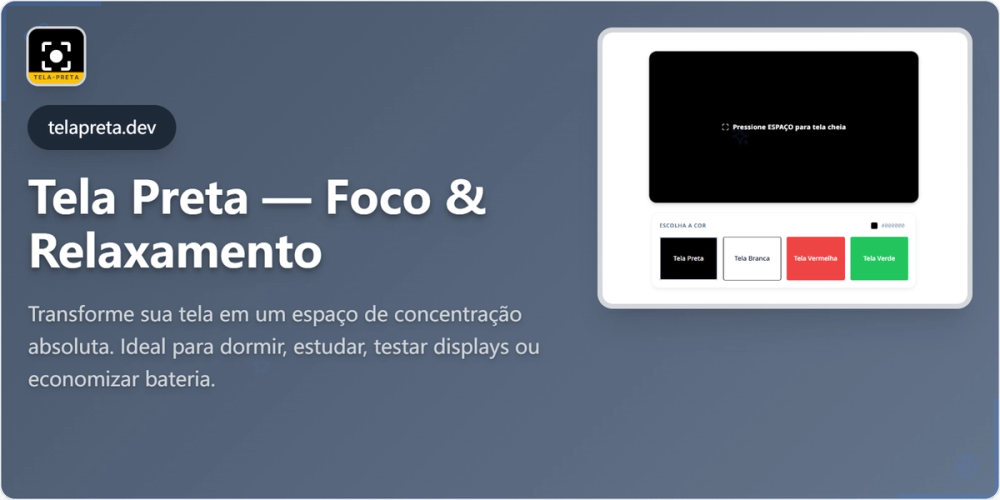
Tela Preta is a specialized web-based tool that provides a full-screen black display for various practical applications. This simple yet powerful utility serves multiple purposes across different user scenarios.
Key Features
- Full-Screen Black Display: Completely black screen that occupies the entire browser window
- Monitor Testing: Ideal for detecting dead pixels and screen defects
- Sleep Environment: Creates a dark environment conducive to sleep
- OLED Battery Saving: Reduces power consumption on OLED displays
- Focus Enhancement: Minimizes visual distractions for improved concentration
Primary Use Cases
-
Monitor Testing: Users can easily identify dead pixels, stuck pixels, or screen uniformity issues by displaying a pure black background across their entire monitor.
-
Sleep Aid: The tool creates a completely dark environment on your screen, which can be helpful for creating a sleep-conducive atmosphere in dark rooms.
-
Energy Efficiency: Particularly useful for OLED display users, as displaying black pixels consumes significantly less power than other colors, potentially extending battery life.
-
Focus Tool: By eliminating visual distractions, users can maintain better focus during work, meditation, or other activities requiring concentration.
Technical Implementation
The tool is implemented as a web application with responsive design, ensuring compatibility across various devices and screen sizes. It leverages modern web technologies to provide a seamless full-screen experience without requiring any downloads or installations.
Target Audience
- Tech Enthusiasts: For monitor testing and screen calibration
- OLED Device Users: Looking to maximize battery life
- Students and Professionals: Needing distraction-free environments
- Sleep Hygiene Practitioners: Creating optimal sleep conditions
The simplicity of Tela Preta makes it accessible to users of all technical levels while providing valuable functionality for specific use cases.